MRiot: Appliance Control
Look at a lamp, tap the air, and change its color.
 Eddie OffermannInterface design and development
- Role
- Interface design and development
- Areas
- XR, Apps

Smart lights, speakers and appliances each come with their own app, and controlling them means finding your phone, opening the right app and finding the right device in a list. MRiot asked whether augmented reality could skip all of that: the control should be where the device is.
This exploration was built for Microsoft HoloLens. Each controllable device gets a round menu anchored in the room beside it. Around a smart bulb, the menu shows a ring of colors and effects with the bulb at the center. Look at the lamp, air-tap a color, and the real bulb changes. Collapsed, the control shrinks to a small bulb icon floating at the lamp, so the room isn't cluttered with panels. Menus can also live at other points in the room, such as a doorway.
The footage was captured through the headset, so what you see in the video is what the wearer saw: the holographic menus overlaid on a real living room, and the real lamp changing color in response.
MRiot grew into a broader platform, including the MRiot Vision Pro Module sensing hardware. The problem it tackles, networked devices that are each an island, is one of the gaps described in our xR ecosystem research.
Gallery
Captured through the HoloLens: choosing colors for a smart bulb from a menu that floats beside it. The menu sits next to the lamp it controls. 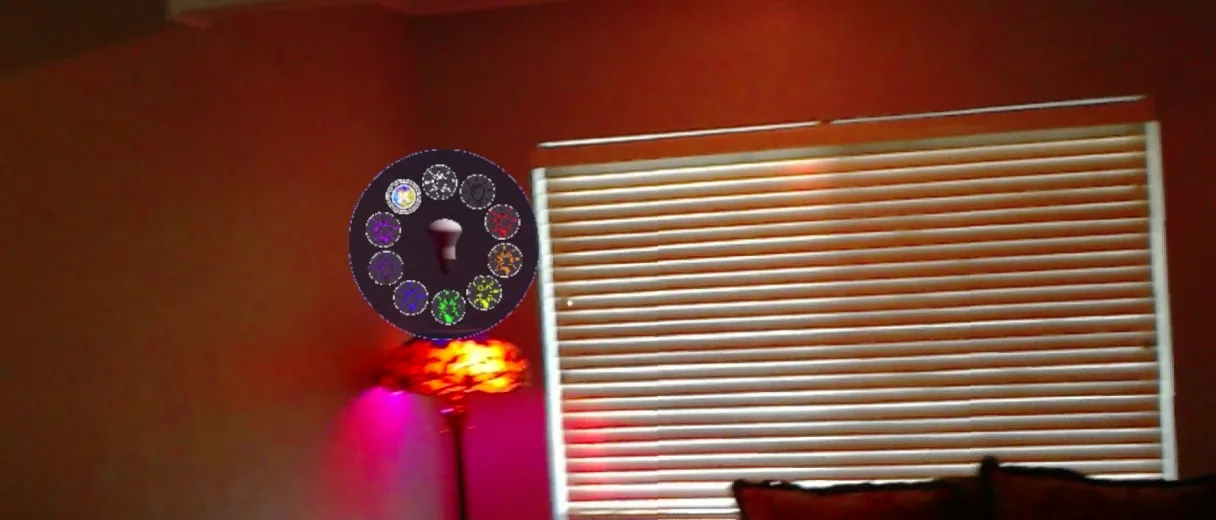
Another color, applied to the real bulb. 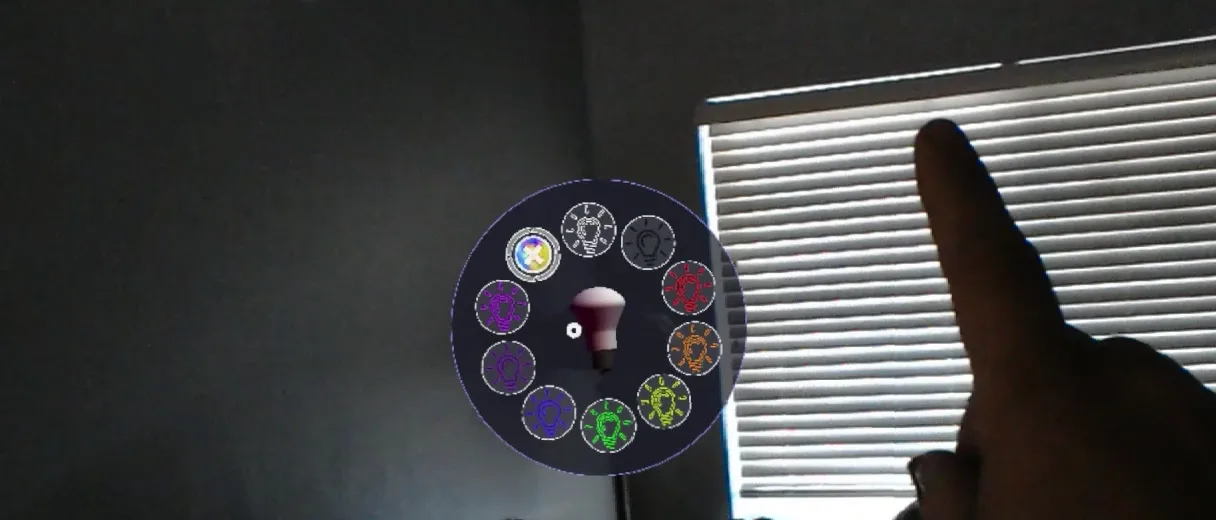
Selecting with an air-tap. 
Collapsed, the control is just a bulb icon floating at the device. 

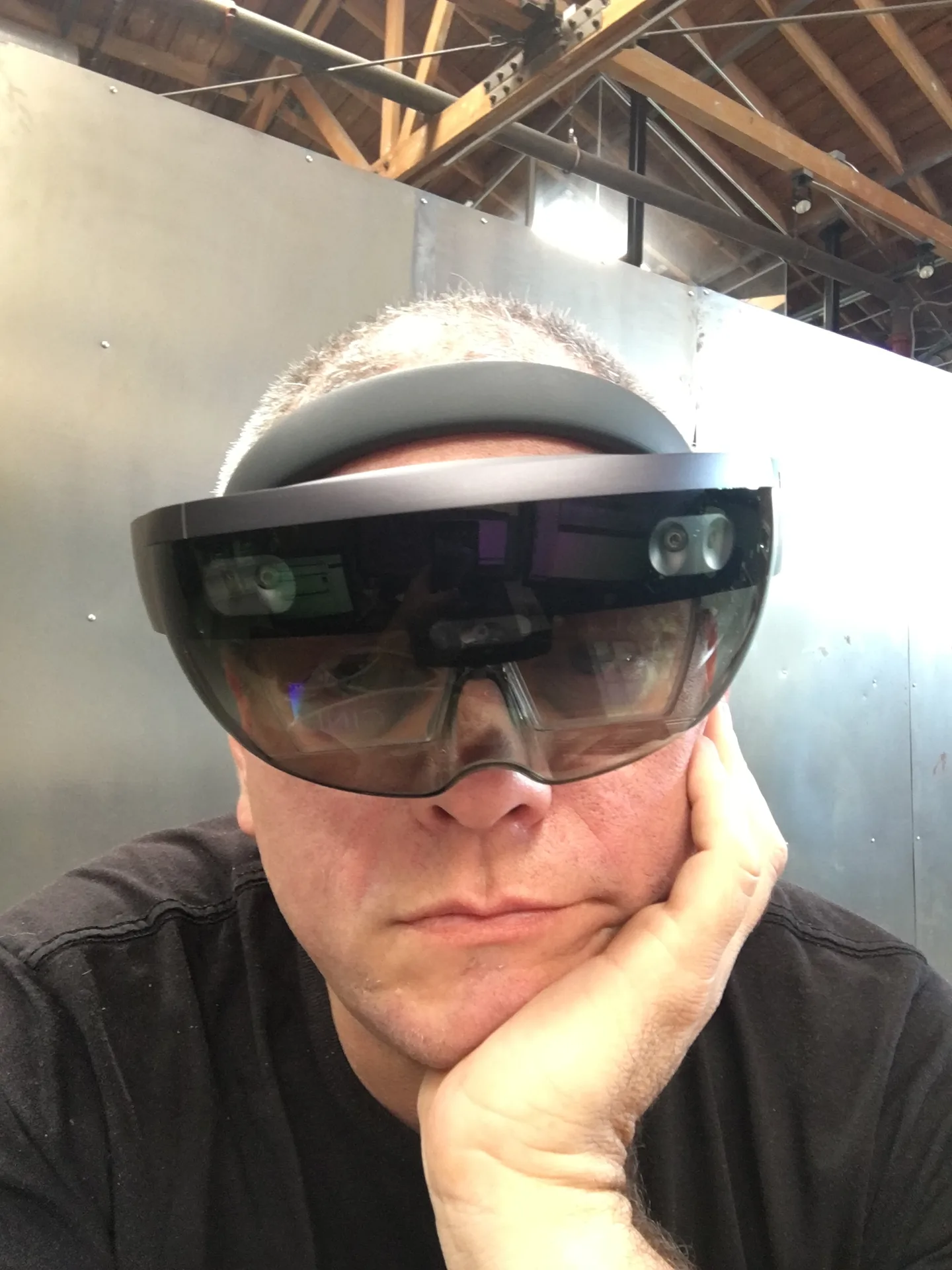
The development device: a first-generation HoloLens. 

Related work
-
AR Portals
Step through a doorway from the real world into a virtual one.
-

AR Scuba
An underwater 360 video performed as a hologram.
-

ARHero
Augmented reality tabletop gaming on everyday Android phones.
-
Augmented Clothing
Clothing as a platform for augmented reality, starting with hats.